PC Building in 2026: How to Beat the Market and Build a Powerful Machine on a Reasonable Budget
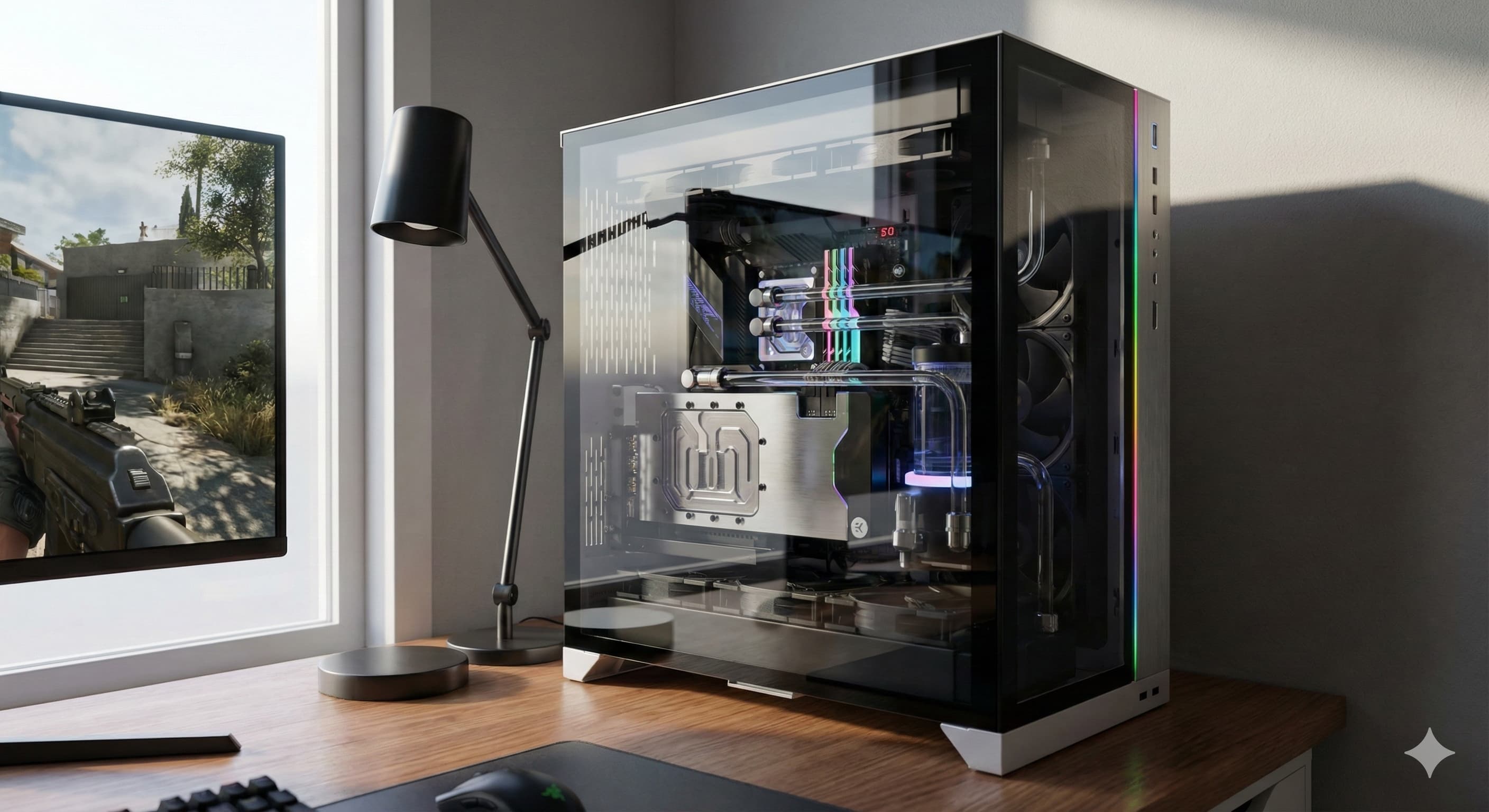
In an era dominated by skyrocketing graphics card and memory prices, building a PC that delivers high performance without blowing up your budget has become a real art. The year 2026 brought a specific challenge – artificial intelligence (AI) has absorbed a large share of production capacity, leaving gamers searching for smarter alternatives. Still, with a strategic approach and a good understanding of market cycles, it is absolutely possible to build a powerful machine that will serve you well for years.
1. The 2026 paradox: Why hardware is expensive and where the opportunity is
\r\nThe hardware market in 2026 is split into two layers. On one side, ultra-high-end components are priced around the needs of the AI industry; on the other side, the often overlooked mid-range offers excellent return on investment. The key to success is not chasing the newest model number, but finding the point where the performance curve and the price curve meet in the most rational place.
\r\nThe "Generation Minus One" strategy
\r\nThe biggest mistake many gamers make today is ignoring slightly older hardware. In 2026, components from 2024 and 2025, such as RTX 40 series GPUs or Ryzen 7000 processors, often deliver about 90% of the performance needed for modern games, but at prices that can be 40-50% lower than the latest flagship parts.
\r\n2. Graphics cards: Finding the sweet spot (VRAM vs. price)
\r\nAs we have already seen in previous market analysis, the GPU market is under serious pressure. However, for 1440p gaming, you do not need to pay $2,000.
\r\nGPU recommendations:
\r\n- \r\n
Mid-range cards with plenty of memory: Look for GPUs with at least 12GB or 16GB of VRAM. In 2026, game textures are complex enough that 8GB can become a bottleneck regardless of how fast the chip itself is.
\r\nThe Intel Arc and AMD Radeon value angle: While Nvidia remains extremely strong in AI and ray tracing, AMD and Intel often deliver more raw performance per dollar in the mid-range segment. Models such as a Radeon RX 8700 or Intel Arc Battlemage-class cards can be very attractive best-buy options for rational builders.
\r\nSoftware magic through upscaling: Instead of spending more on higher-tier hardware, take advantage of DLSS 4.0 or FSR 4.0. In 2026, these technologies allow a mid-range card to render visuals that are impressively close to native 4K with only a small quality trade-off.
\r\n
3. CPUs and motherboards: Platform longevity matters
\r\nIn 2026, the platform is often more important than the specific CPU model. Investing in a motherboard with strong power delivery and support for future standards can save real money over the long term.
\r\n- \r\n
AMD AM5 dominance: AMDs promise of long socket support has paid off. Buying a Ryzen 7000 or Ryzen 9000 chip in 2026 means that a few years later you may be able to upgrade only the CPU, without replacing the motherboard and RAM.
\r\nIntels hybrid approach: Intel CPUs with strong efficiency cores are excellent for users who combine gaming with video editing or streaming, but they require more careful cooling choices, which can increase the total build cost.
\r\n
4. RAM and storage: Where not to save and where you can
\r\nEven though RAM prices have gone up, 32GB of DDR5 has become the practical minimum for a modern system in 2026.
\r\n- \r\n
Speed vs. latency: For most users, the difference between 6000MT/s and 8000MT/s memory in real workloads is small, often around 2-5% FPS, while the price difference can be substantial. Save money by choosing stable 6000MT/s kits with lower latency, such as CL30.
\r\nNVMe Gen4 vs. Gen5: Gen5 SSDs offer huge sequential speeds, but in gaming and everyday use the difference versus Gen4 is often barely noticeable. Prioritize capacity (2TB or more) over peak benchmark numbers, because modern games can easily exceed 150GB each.
\r\n
5. Power supplies and cases: The foundation of stability
\r\nMany builders make the mistake of saving money on the PSU in order to afford a slightly better GPU. That is one of the fastest paths to instability and future headaches.
\r\n- \r\n
ATX 3.1 standard: In 2026, choose power supplies with modern connector standards to avoid risky adapter setups. A quality 850W Gold PSU can survive two or three component upgrade cycles.
\r\nAirflow is King: Instead of expensive cases overloaded with RGB, choose models with a mesh front panel. Better airflow means lower temperatures, which directly extends the lifespan of expensive components.
\r\n
6. The used hardware market: A risk worth considering
\r\nIn 2026, the second-hand component market is more mature than ever. Because new hardware is expensive, specialized platforms offering certified used hardware with warranty have become much more common.
\r\n- \r\n
Open-box deals: Products are often returned simply because the buyer picked the wrong model or did not like the design. These units are practically new, but often sell for 15-20% less.
\r\nGPU mining is no longer the same concern: You no longer need to worry as much about cards that spent years running 24/7 in crypto mines, but you should still ask for stability tests before buying, such as FurMark or 3DMark.
\r\n
7. Software optimization: Free performance
\r\nBefore deciding to buy new hardware, make sure you are getting the most out of what you already own.
\r\n- \r\n
Undervolting: Reducing GPU and CPU voltage carefully can improve sustained performance by lowering thermal throttling and can also reduce power consumption, without meaningfully increasing hardware risk when done correctly.
\r\nDebloating Windows: Modern operating systems often run many background processes that consume RAM and CPU resources. A cleaner system can improve 1% low FPS stability, which is critical for a smooth gaming experience.
\r\n
Conclusion: Smart planning beats inflation
\r\nPC building in 2026 requires more research than before, but the reward is worth it. By focusing on durable platforms like AM5, mid-range GPUs with enough VRAM, and modern AI upscaling technologies, you can build a system that handles modern workloads and games very well. Remember, the best PC is not the one with the most LEDs, but the one that delivers stable 60+ FPS in the games you actually play, at a price that still leaves room to buy those games.